 (347) 541-4824
Video Intercom Repair
Video Intercom Repair in Country Club, the Bronx 10465
A Country Club video intercom that still rings but shows no image needs a video-specific assessment. Tell us whether the screen is black, frozen or distorted and whether the same problem appears on an indoor monitor and in the app. Keep a screenshot of an error message without exposing account details.
What our video intercom repair service includes
770 Doors & Windows provides video intercom repair in Country Club, Bronx, 10465. We troubleshoot video intercoms with a blank image, intermittent picture, missed calls or sound problems. We check the entrance camera, answering station, power and connection separately from the door-release circuit so working components can be retained where suitable.
How we complete the work
- Compare the failed video function with working calling, audio and release functions.
- Check camera-station power, connection and the supported answering display or app.
- Verify the restored image and the related call functions after the agreed repair.
Choosing the right scope
We identify the failed function first. Adjustment or replacement of a compatible part may be sufficient; replacement of the full system is considered when condition, support or compatibility makes repair unsuitable.
Prepare your request in Country Club, Bronx, 10465
State whether the picture fails everywhere or on one device, and send camera-station and monitor model labels.
Camera or monitor compatibility, network access, cable condition and the number of affected devices affect the estimate.
Request video intercom repair in Country Club, Bronx, 10465 · Call (347) 541-4824
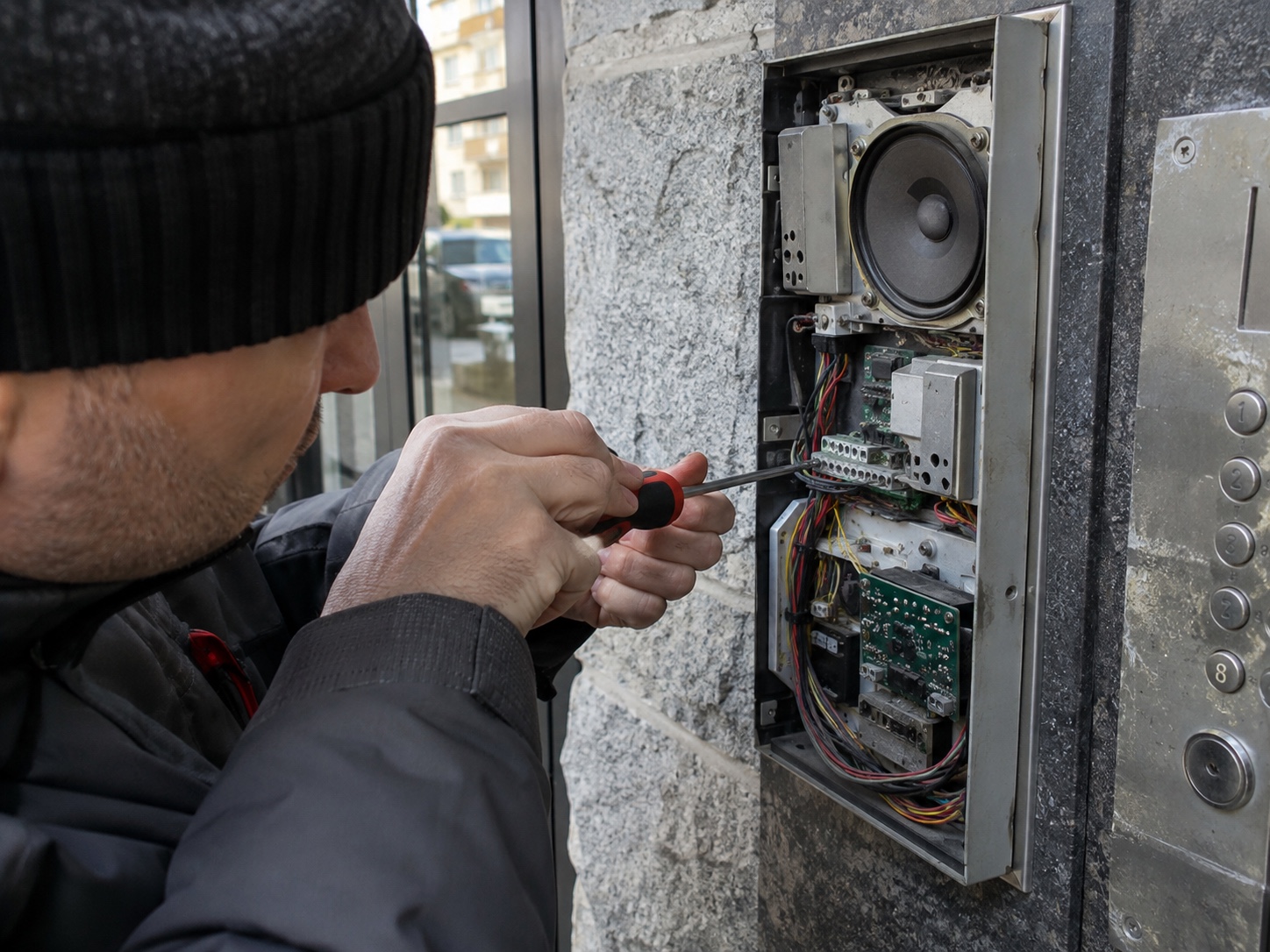
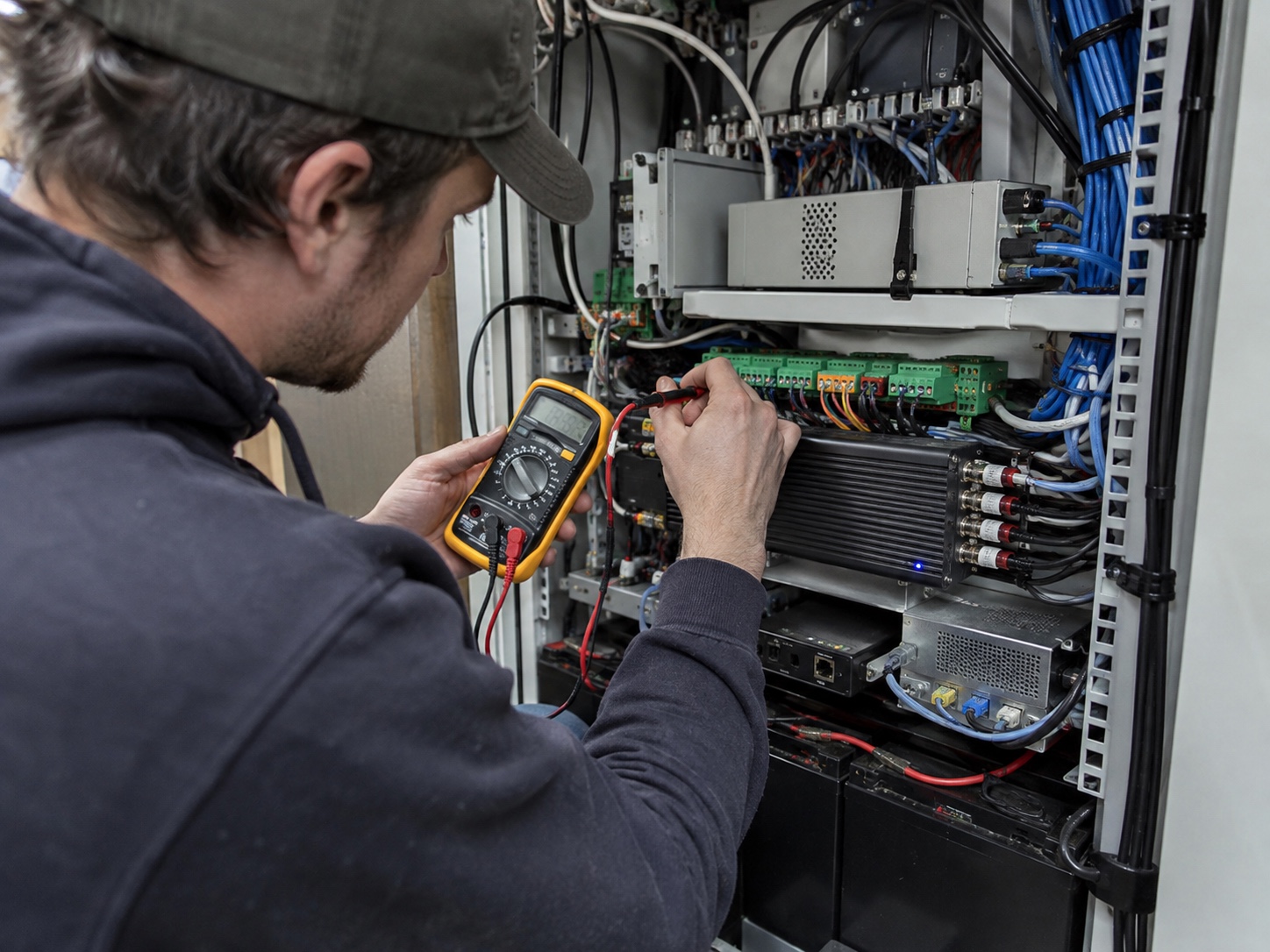
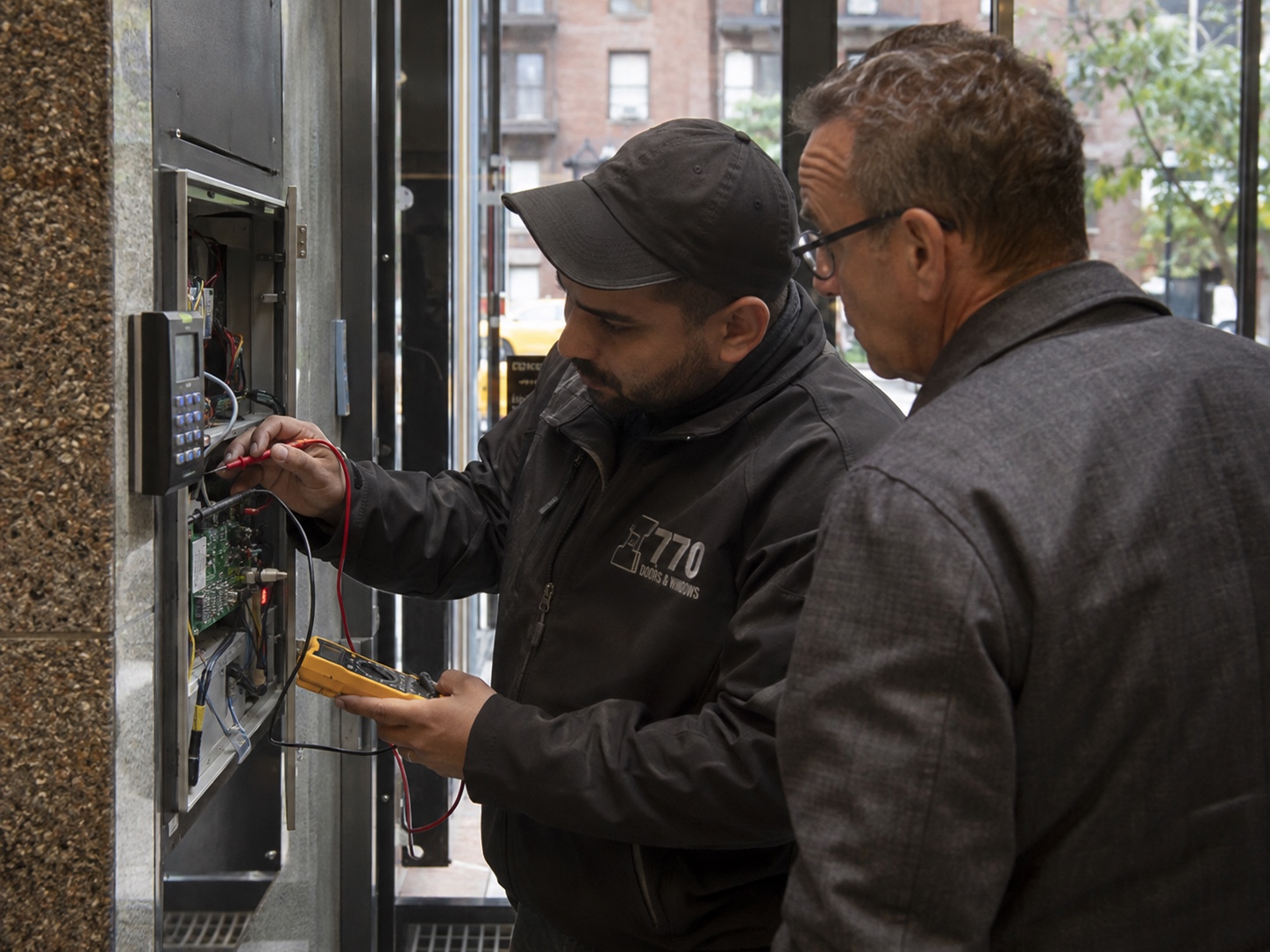
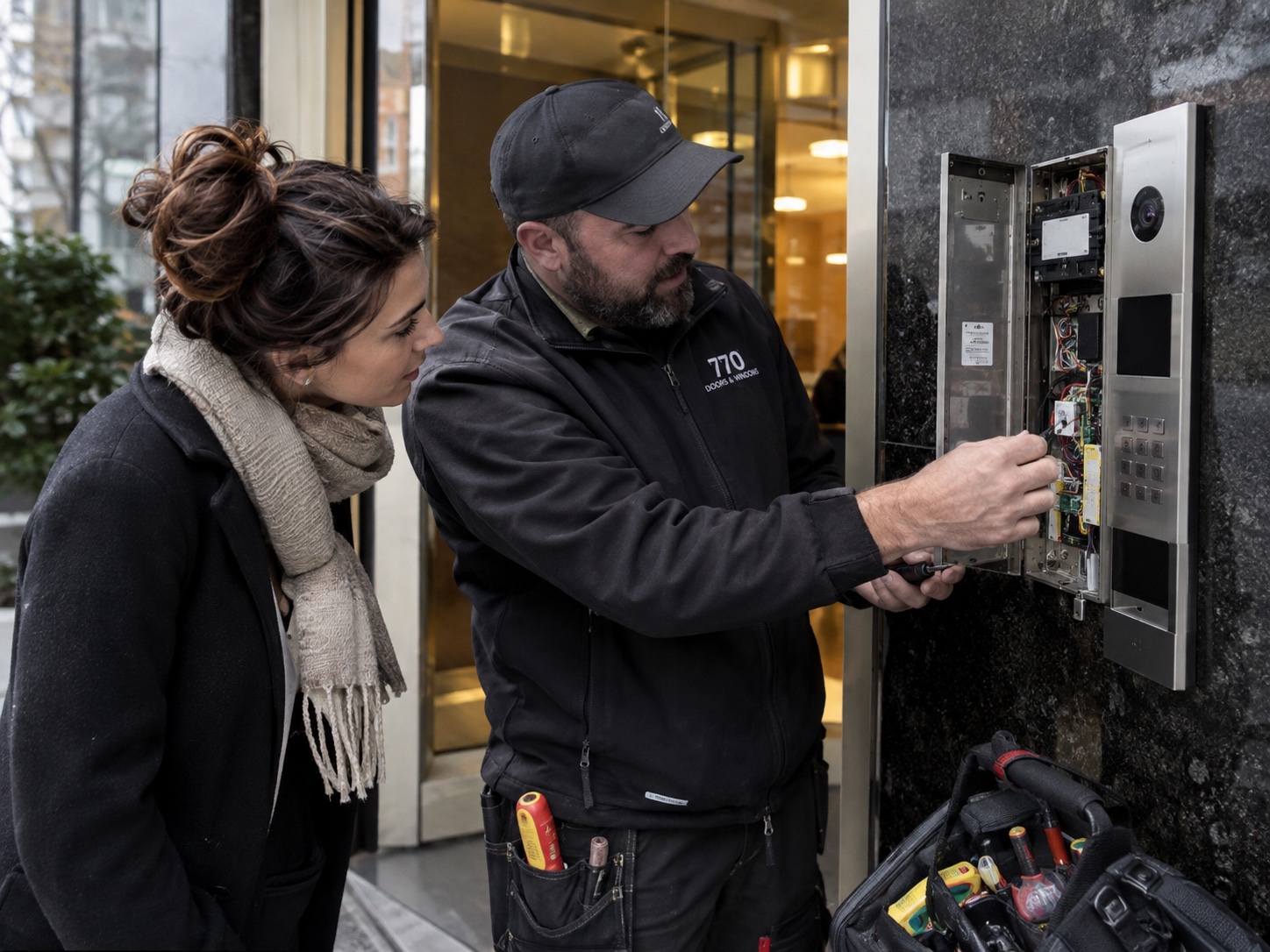
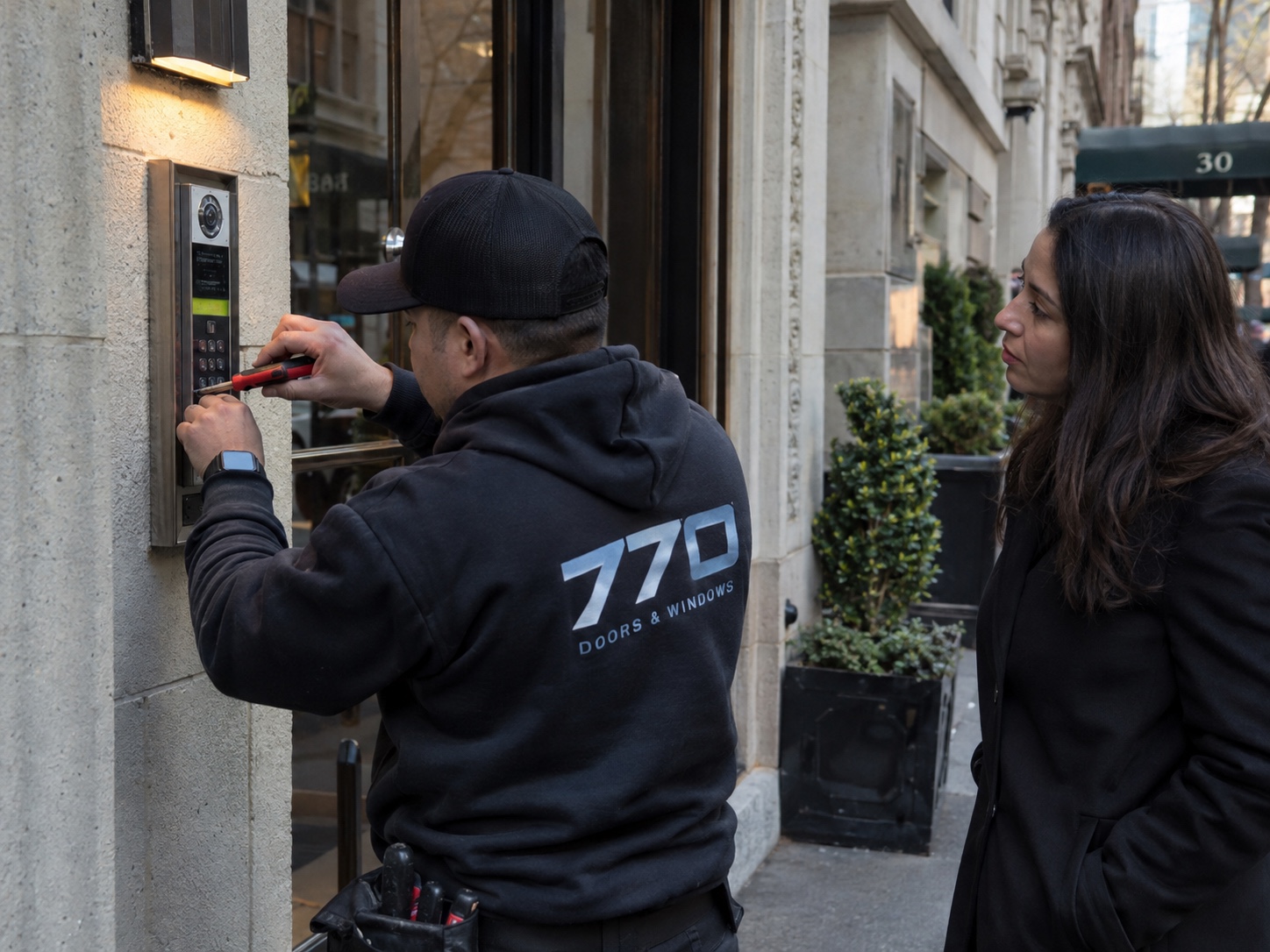
Restore a picture while checking the working call functions
We compare the camera station, answering device and the connection between them. For an IP system this can include network and account status; another system may use a dedicated video cable path. Testing should reproduce a new visitor call and confirm both the image and the speech, with door release reviewed separately if included.
Assessment and completion checks
- Compare monitor and app symptoms
- Identify the camera-to-answering-device path
- Place a new video call after repair
Questions about video Intercom Repair in Country Club, the Bronx 10465
Is a black screen always a failed camera?
No. Power, cabling, a monitor input, network access or configuration may cause the same symptom. The exact model and which devices are affected guide the checks.
Scope and next steps for video-intercom repair
Process, estimate factors and what to send
How the work is assessed and completed
- Compare the failed video function with working calling, audio and release functions.
- Check camera-station power, connection and the supported answering display or app.
- Verify the restored image and the related call functions after the agreed repair.
What affects the estimate
Camera or monitor compatibility, network access, cable condition and the number of affected devices affect the estimate.
The written scope should identify the approved work, included equipment and any separate work before you authorize the job.
Details for your video-intercom repair request
State whether the picture fails everywhere or on one device, and send camera-station and monitor model labels.
Include the property address or ZIP and who can provide access.
Related local services
Video Intercom Repair in nearby areas
Need video intercom repair?
Call or send photos with the ZIP code. We confirm the area, equipment and practical next step.
Help with the problem you are seeing
Review the symptom, what may cause it and what to describe when you request service.