 (347) 541-4824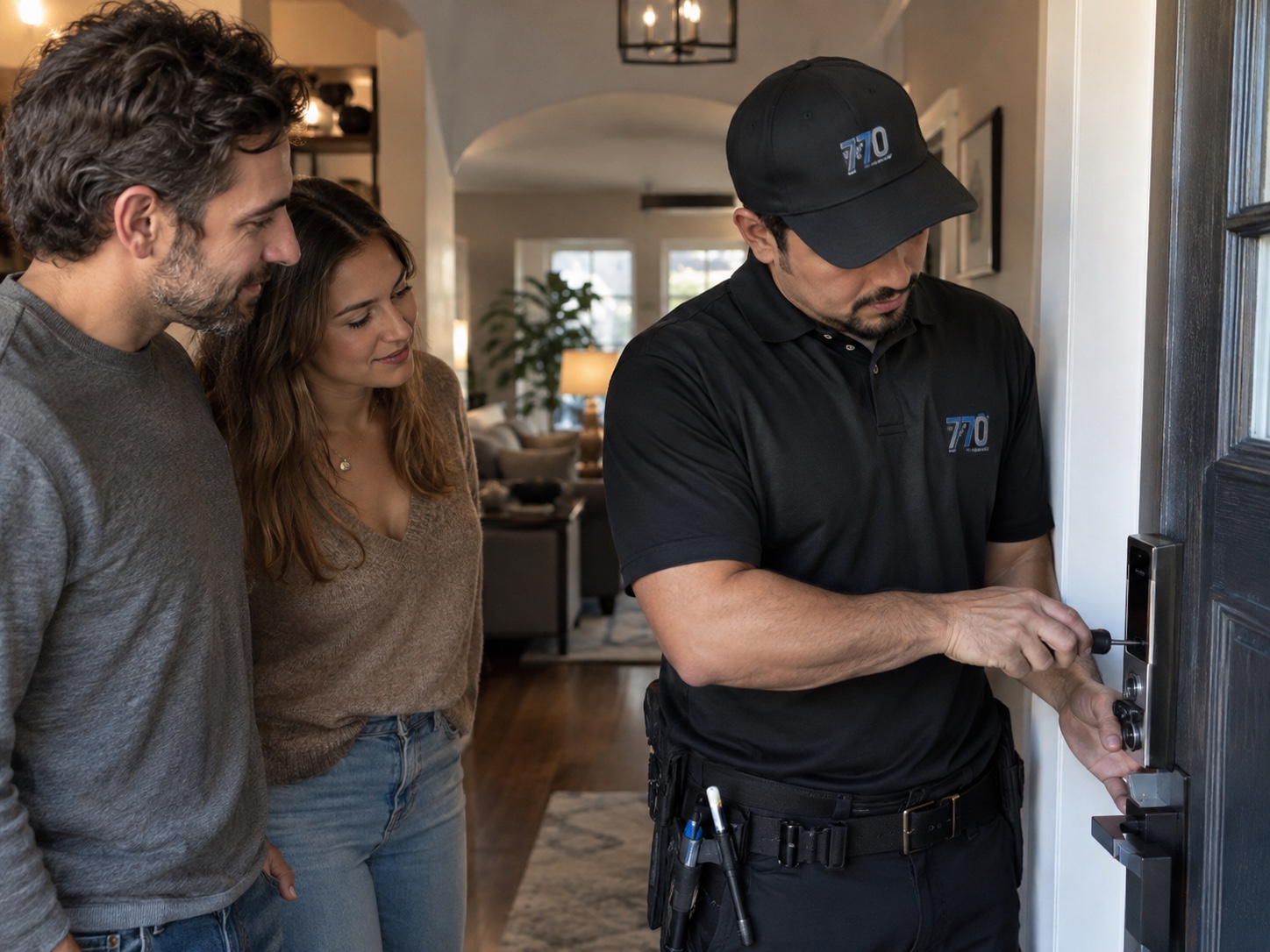
When a smart lock stops responding, the first check is the battery. Replace the batteries with fresh batteries of the correct type and make sure the contacts are clean and properly seated. Many smart lock problems begin with weak batteries, mixed battery brands or batteries installed in the wrong direction.
If the keypad lights up but the lock does not move the bolt, the issue may be mechanical. Close the door slowly and watch whether the bolt lines up with the strike plate. If the door has to be pushed, lifted or pulled before locking, the lock motor may be fighting the door instead of a battery problem.
Check the backup-entry method before the lock is fully dead. Some products use a mechanical key and some have another manufacturer-designed backup. Keep that backup available for approved users. Internet or app problems are separate from battery power, so confirm whether the keypad works at the door even if the app is offline.
Call for service when new batteries do not restore normal operation, when the bolt binds, or when the lock becomes unreliable. Send photos of the lock from the inside and outside, the edge of the door and the strike area. Include your ZIP code and say what happens when you enter a code.