 (347) 541-4824
The screen is black but audio still works.
Video Intercom No Picture on Long Island
Video Intercom No Picture on Long Island
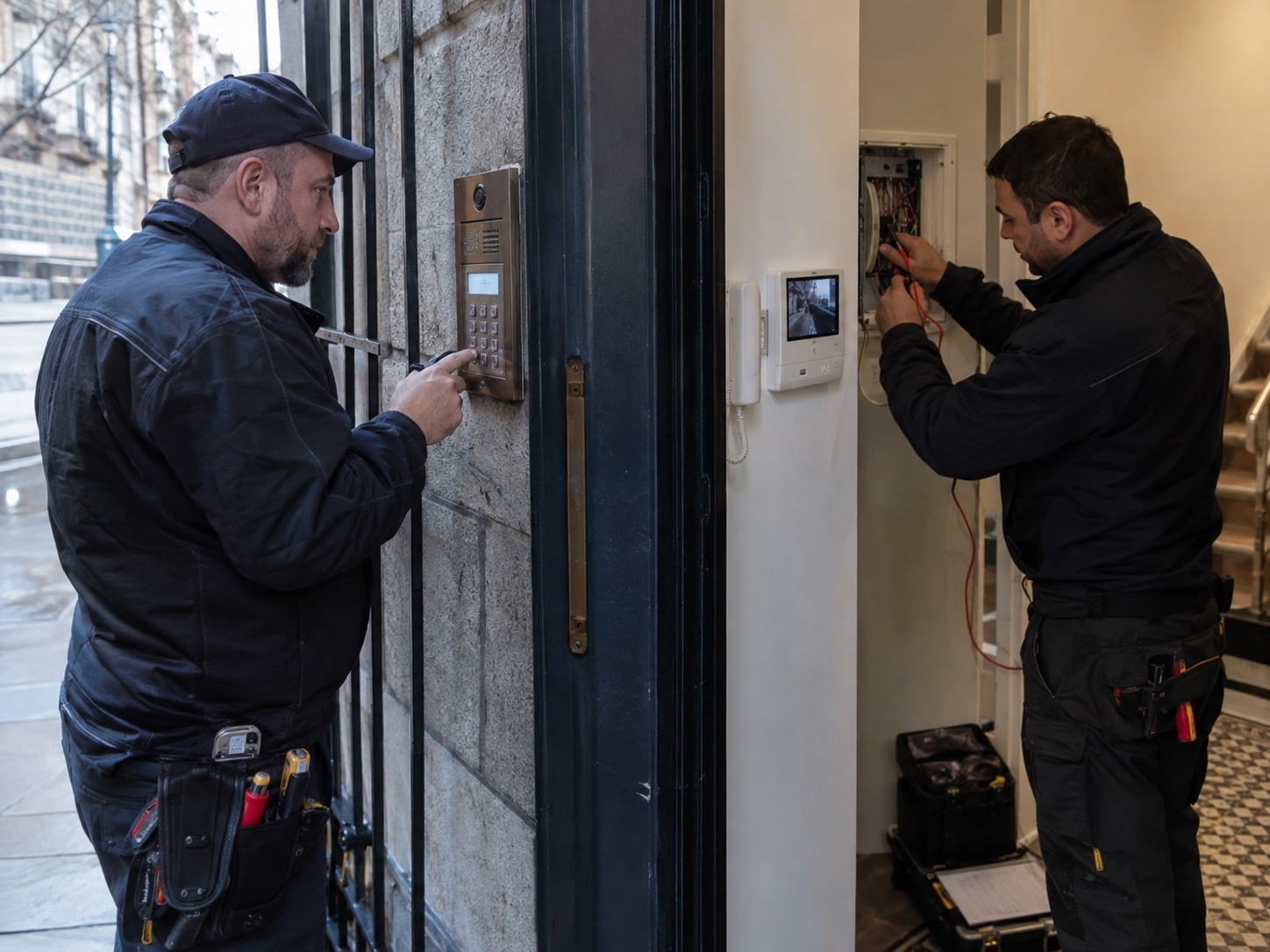
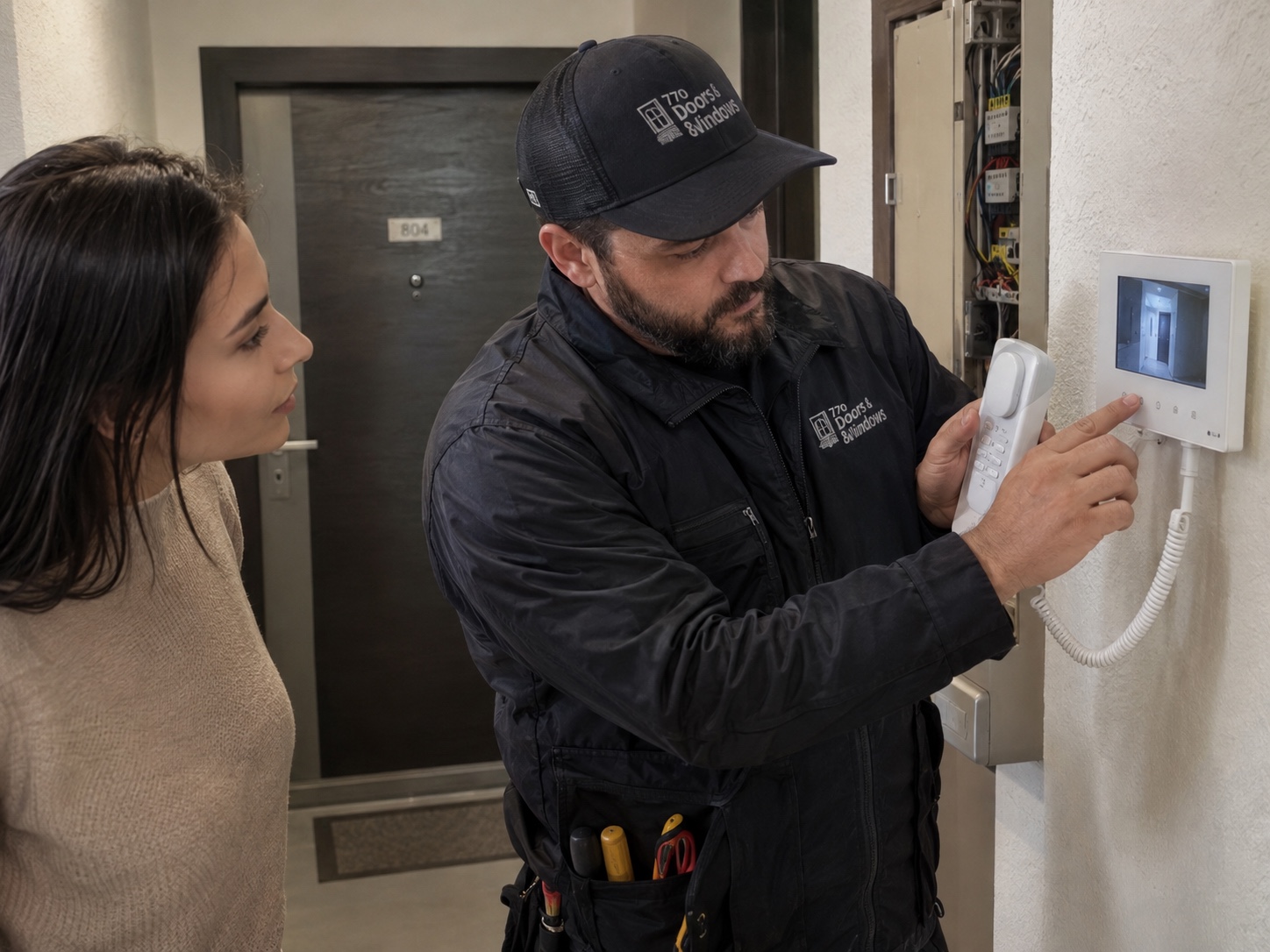
If your Long Island video intercom rings and carries speech but has no picture, record whether the image is black, frozen, distorted or absent on only one device. Compare the indoor monitor with any already configured phone app without changing wiring or account settings. This page concerns a video fault in an existing system.
A missing picture needs its own diagnosis
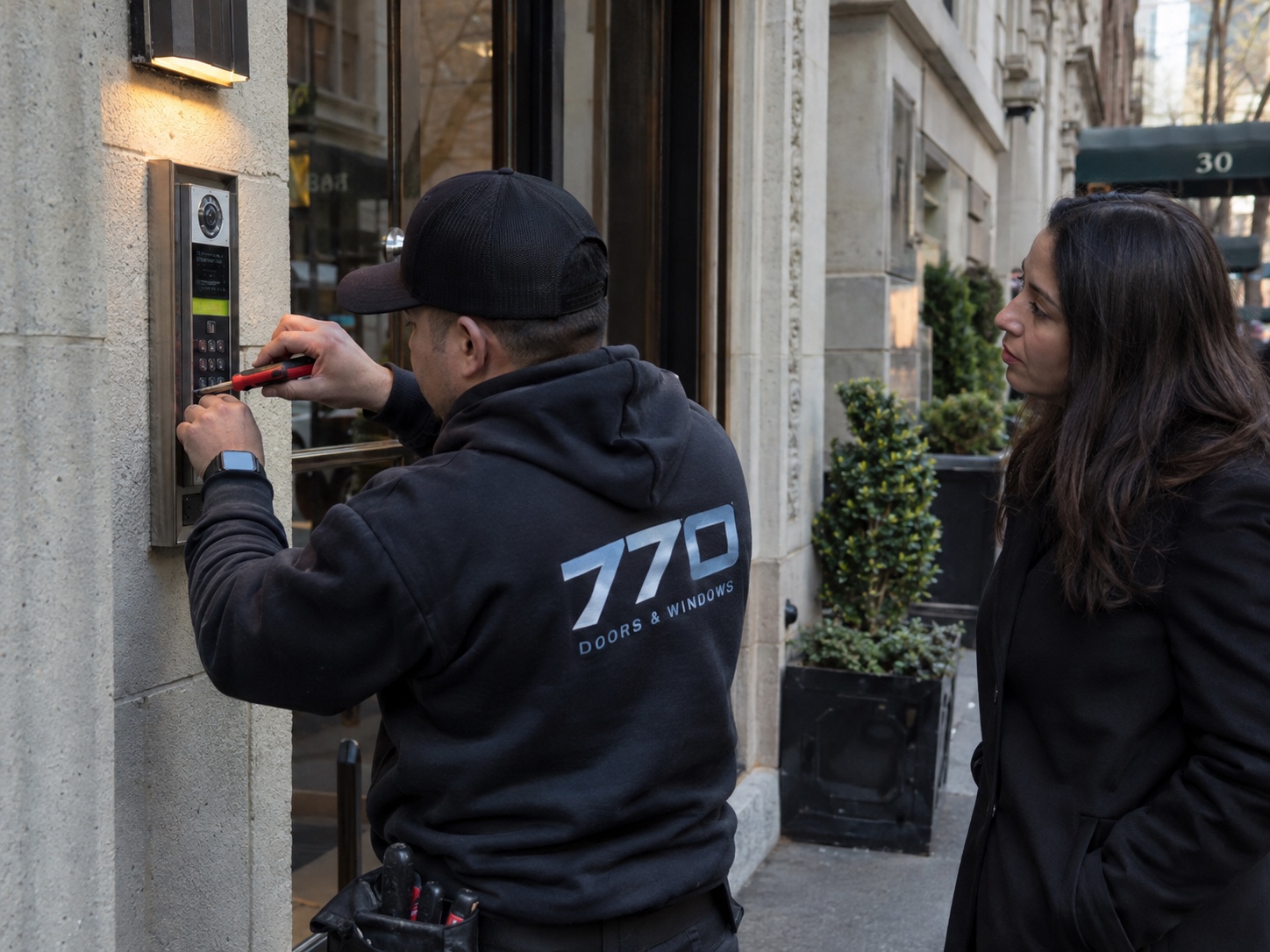
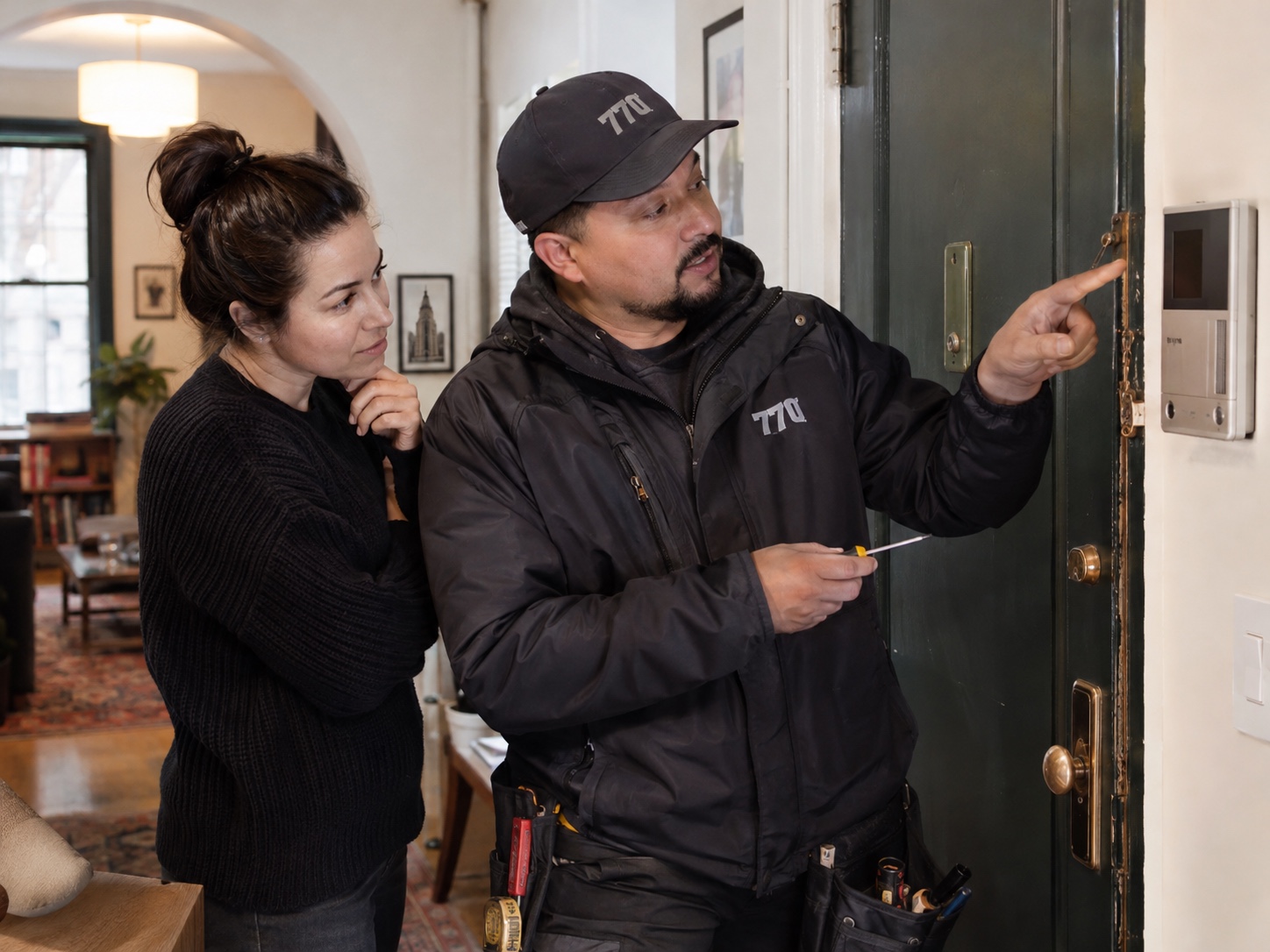
The cause can lie at the camera station, receiving display, cable path, power or an IP connection. Tell us the make and model and whether audio and door release still work. A repair assessment should restore and test a fresh video call; a planned new system belongs on the separate installation page.
Assessment and completion checks
- Describe the exact image symptom
- Compare already configured answering devices
- Test a new video call after the repair
Questions about video Intercom No Picture on Long Island
Does working audio rule out a wiring problem?
No. Audio and video may depend on different conductors or signal paths, depending on the system. A working conversation is useful evidence but does not isolate the video fault.
Scope and next steps for video-intercom repair
Process, estimate factors and what to send
How the work is assessed and completed
- Compare the failed video function with working calling, audio and release functions.
- Check camera-station power, connection and the supported answering display or app.
- Verify the restored image and the related call functions after the agreed repair.
What affects the estimate
Camera or monitor compatibility, network access, cable condition and the number of affected devices affect the estimate.
The written scope should identify the approved work, included equipment and any separate work before you authorize the job.
Details for your video-intercom repair request
State whether the picture fails everywhere or on one device, and send camera-station and monitor model labels.
Include the property address or ZIP and who can provide access.
What customers usually notice
The outdoor panel works sometimes and loses video at night.
The phone app receives calls but no image.
Safe checks you can try first
- Check whether the issue happens on all monitors or only one device.
- Confirm whether the building internet or phone app is working normally.
- Clean the visible camera lens if it is safe and accessible.
- Do not reset accounts, open equipment or delete users before recording what still works.
When to call: Call when video is missing, intermittent or limited to certain users, especially after power, network or equipment changes.
Lockout service in Bushwick starts with a $65 service call
For a home, apartment, storefront or building lockout in Bushwick, call with the address or ZIP. The $65 amount is the starting service call; final pricing depends on the lock, time, access and any parts needed, and is confirmed before work is approved.
Call 770 Doors & Windows at (347) 541-4824 or send photos with your ZIP code.