 (347) 541-4824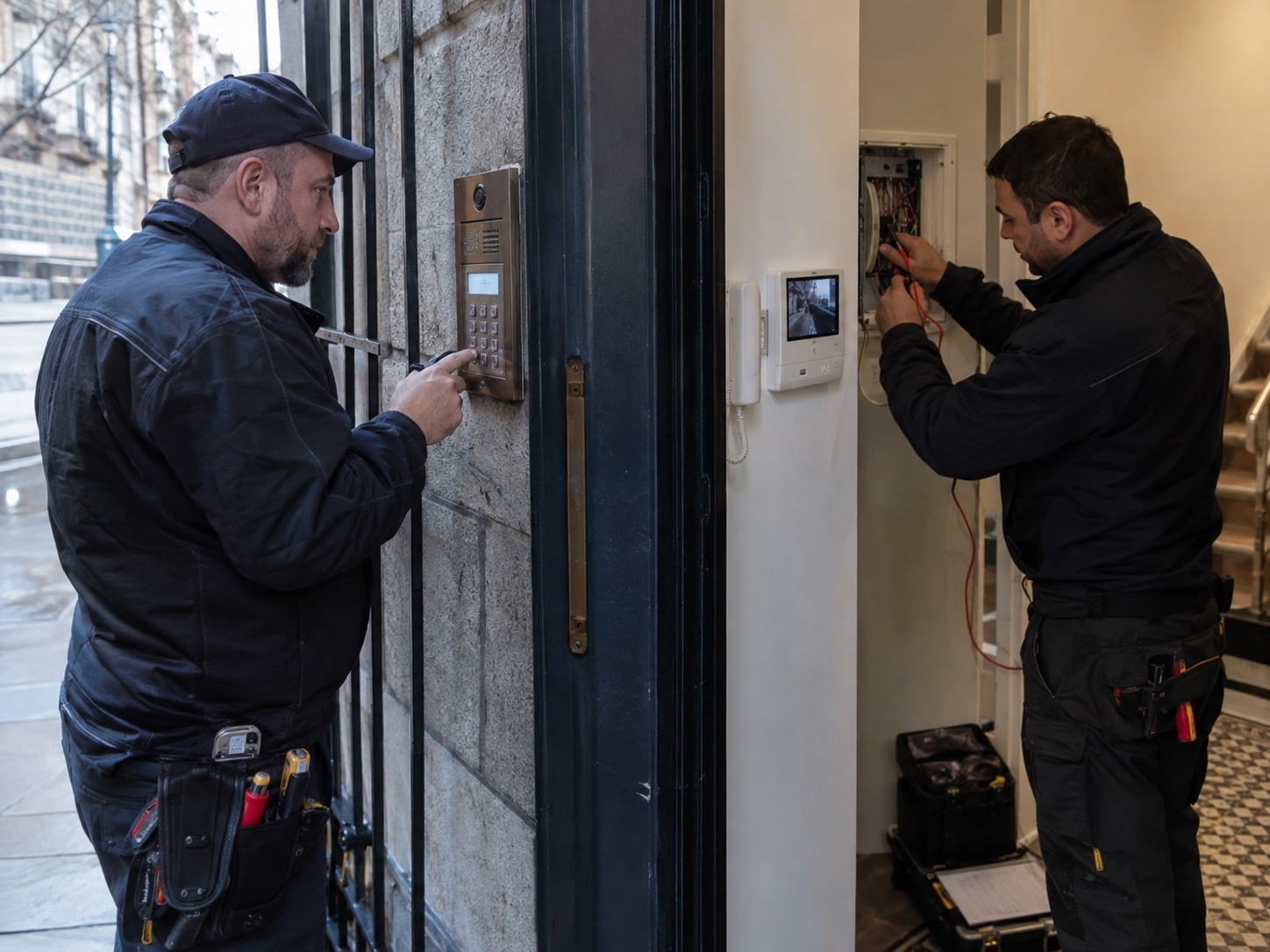
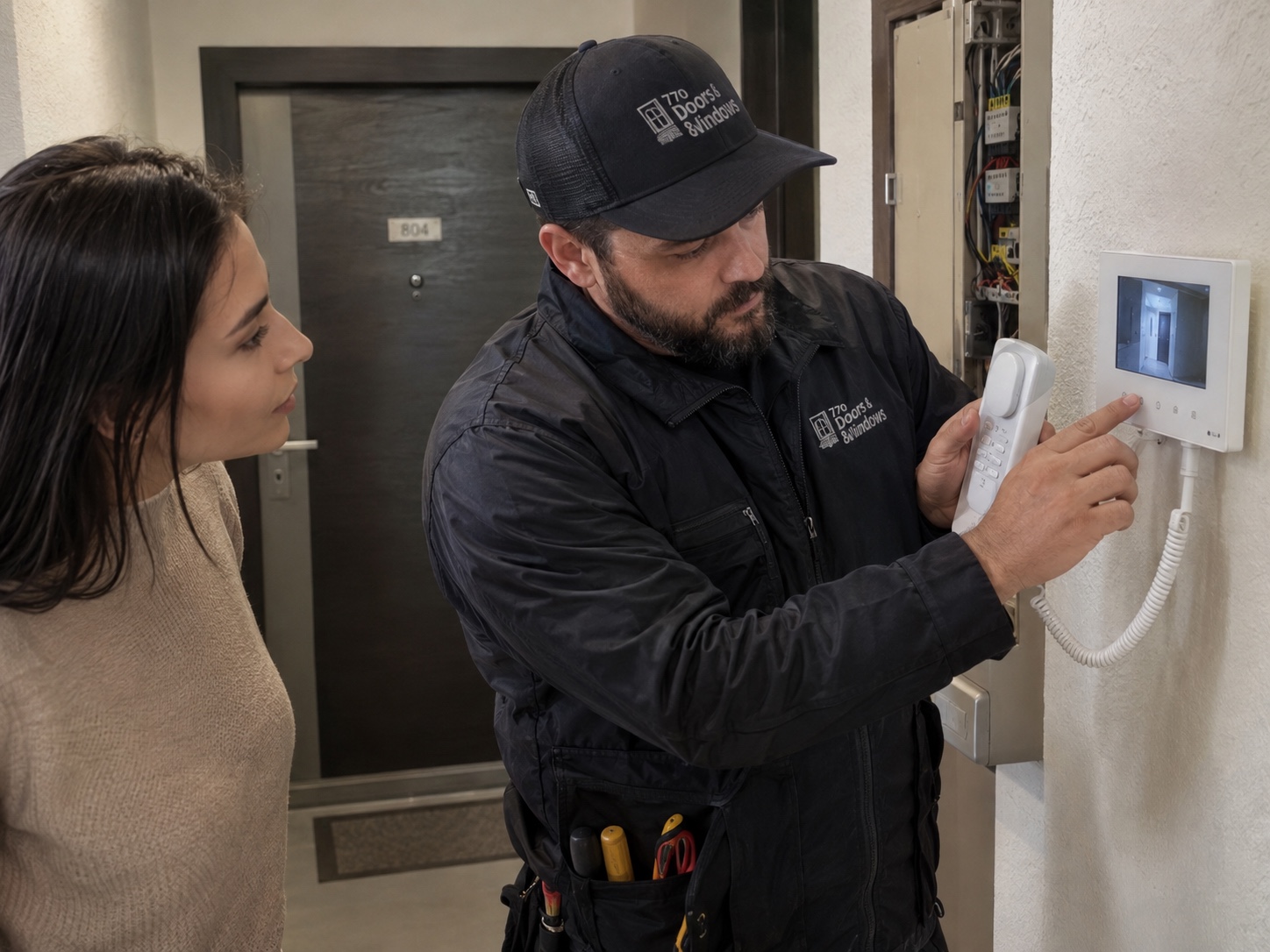
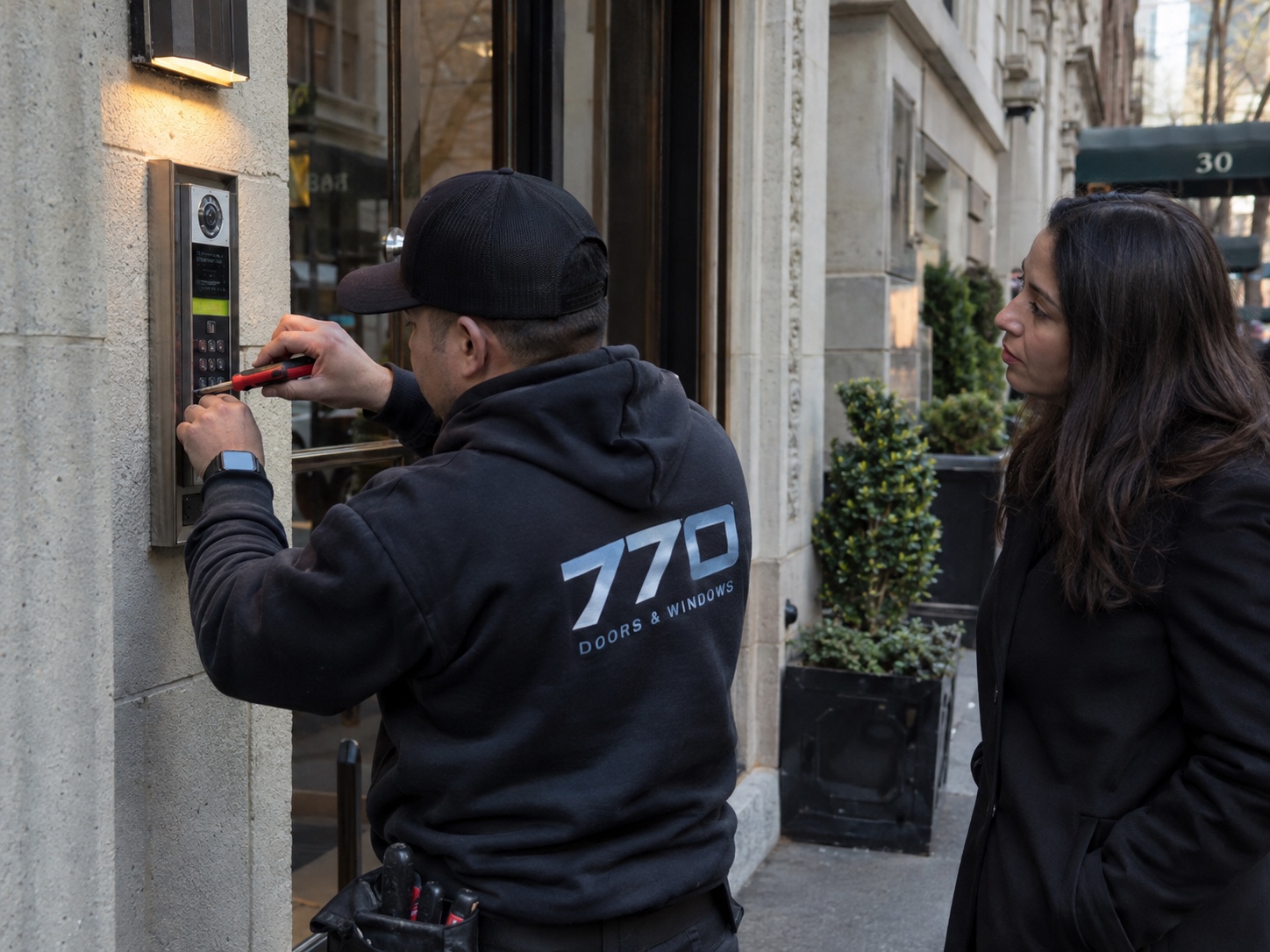
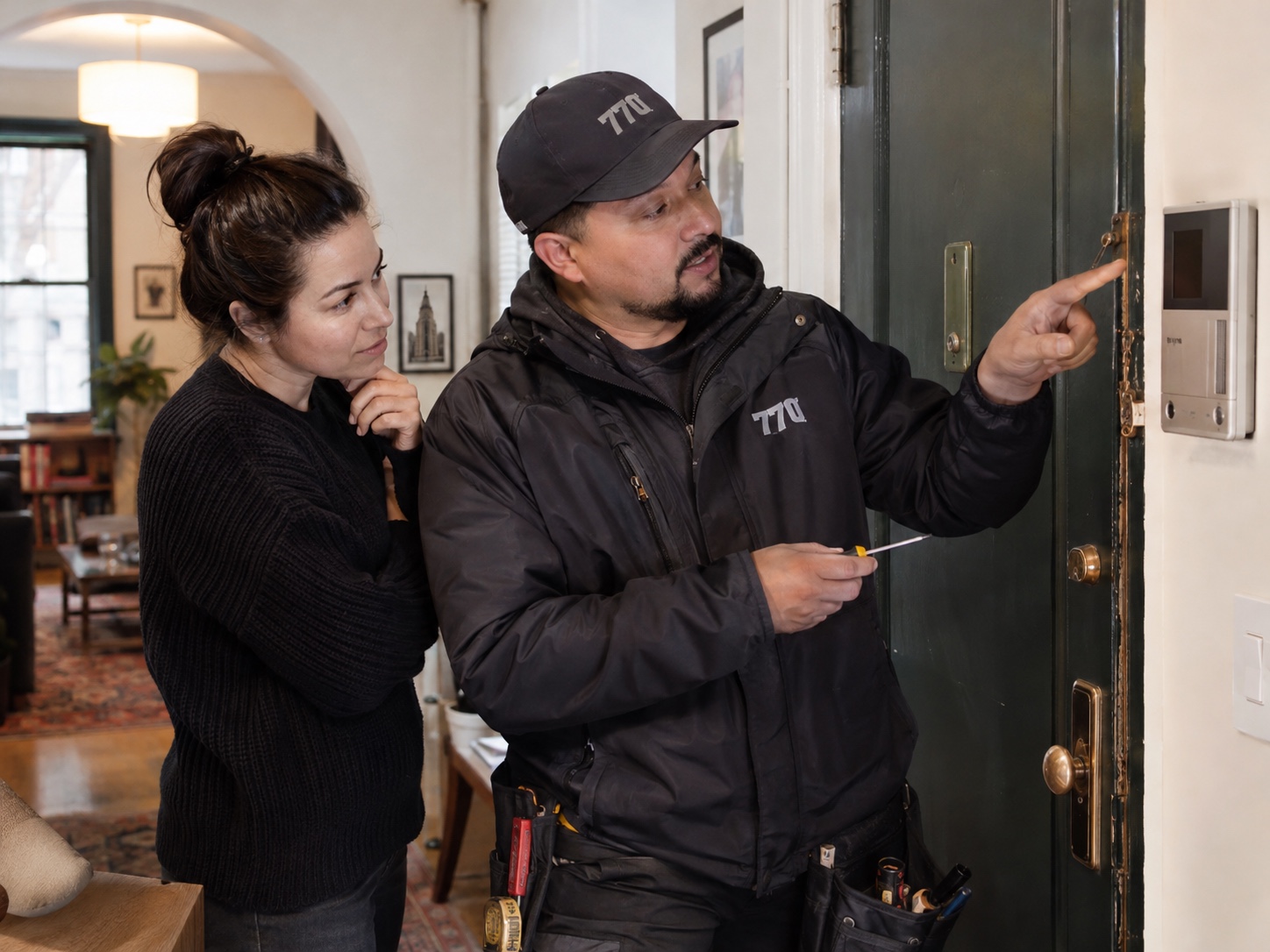
When an intercom calls correctly but the door will not release, separate the talking function from the unlocking function. The audio or video side can work while the electric strike, magnetic lock, relay or power supply has a separate problem. Start by confirming whether the release button creates any sound at the door.
Check that the door closes fully before testing the release. If the latch is under pressure, an electric strike may buzz but still not let the door open. Push or pull gently on the door while an authorized person presses release. If that changes the result, the issue may involve alignment, the closer, latch pressure or the strike position.
Note visible power or fault indicators without opening cabinets or touching wiring. The technician may need to assess the release power supply, connections and control settings even when the intercom still rings. An illuminated reader does not prove that the release hardware receives the correct power during an opening request. If the fault followed work near the entrance, electrical closet or network equipment, mention that sequence when arranging service.
Do not keep forcing the door or repeatedly holding the release button if equipment smells hot or makes unusual noise. Send photos of the intercom panel, indoor station, door hardware and any visible power supply or control box. Include the ZIP code and describe whether the lock buzzes, clicks or stays silent.